Turning Restaurant Operations into a Living Game: How to Create a Gamified Restaurant Dashboard
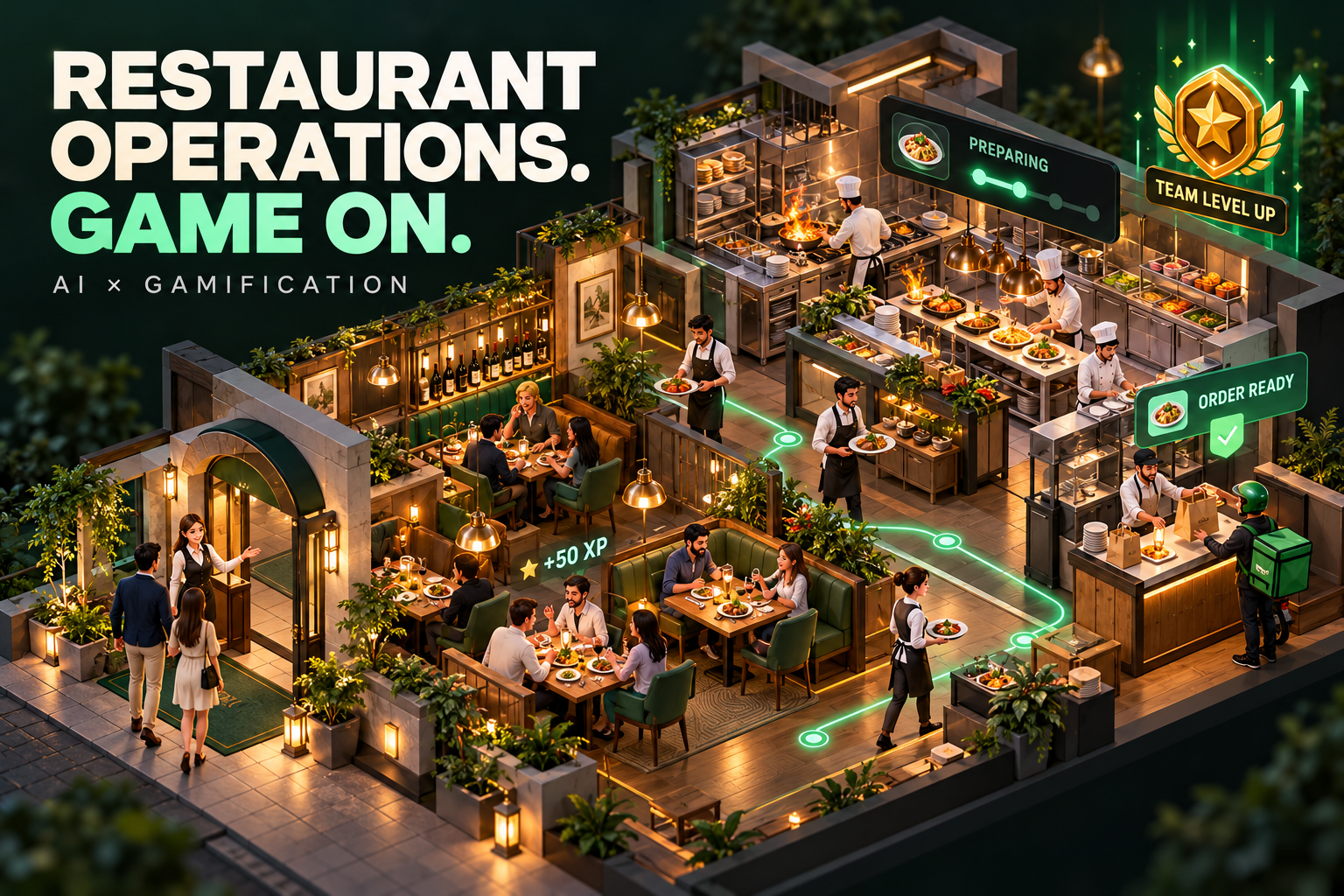
A restaurant already has the rhythm of a simulation game. Orders arrive, chefs prepare meals, servers move between tables, delivery riders collect packages, and the billing counter completes each customer’s journey. Every station has its own tasks, yet the entire service depends on how well those stations work together.
A gamified restaurant dashboard makes that activity visible through an animated restaurant view. Instead of reading several reports to understand what is happening, a manager can see the service floor, follow an order, and spot delays as they develop.
The goal is to make restaurant operations easier to understand while keeping the existing ERP responsible for transactions.
For a restaurant with online ordering, 10 dining tables, a kitchen, a delivery area, and a billing counter, this approach can bring the whole service into one connected picture.
The first step is to decide what the dashboard should help people understand. A useful view should answer a few practical questions:
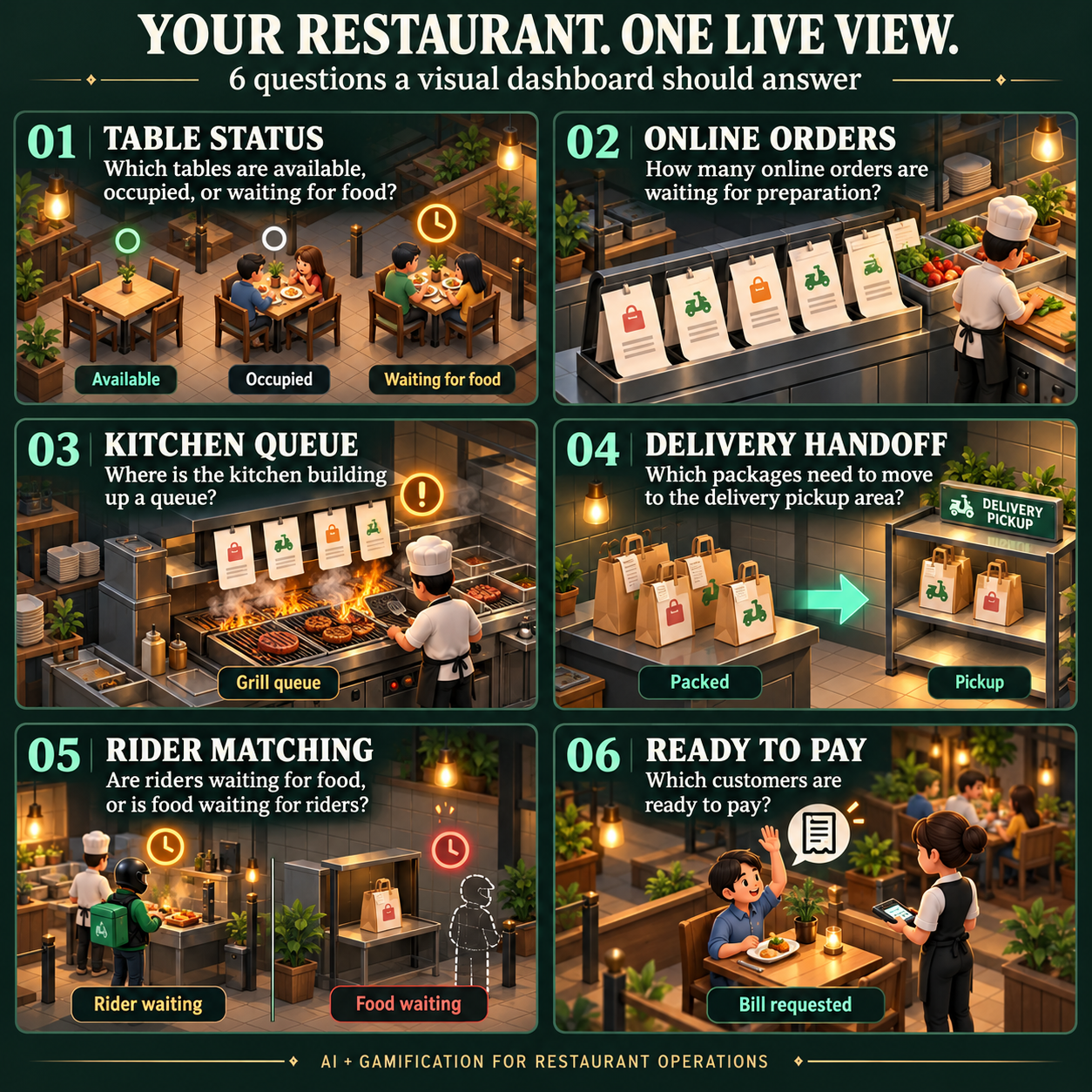
- Which tables are available, occupied, or waiting for food?
- How many online orders are waiting for preparation?
- Where is the kitchen building up a queue?
- Which packages need to move to the delivery pickup area?
- Are riders waiting for food, or is food waiting for riders?
- Which customers are ready to pay?
These questions give every animation and visual indicator a purpose. A moving character should represent an operational event or clearly labeled demonstration. A flashing warning should identify something that needs attention.
The next step is to design the restaurant as a set of connected stations. A bird’s-eye or isometric layout works well for this concept because it lets people see several areas at once.
The online order station can show incoming orders and their progress toward kitchen acceptance. The dining area can display exactly 10 numbered tables. The kitchen can show preparation tickets and completed dishes. A delivery pickup area can hold packages awaiting collection. The billing counter can show outstanding bills and completed payments.
The layout should preserve clear relationships between these areas. A package moving from the kitchen to the delivery shelf should follow a visible path. A dish heading to Table 04 should end at that table. Consistent placement helps users build familiarity with the restaurant view.
Table design deserves particular attention because dining service has several distinct states. A simple occupied-or-empty indicator rarely explains enough. A table might be available, newly seated, waiting for an order, waiting for food, dining, requesting payment, or awaiting cleaning.
Each state can have a recognizable visual treatment. An available table might use a green marker. A dining table might use a warm amber marker with seated guests. A table waiting too long could display an alert badge and an elapsed-time label.
Color should be supported by text and symbols so that users can understand the status without relying on color alone. Selecting a table should open a compact detail view containing its order reference, guest count, current service stage, and relevant timing.
Orders also need a clear lifecycle. For an online delivery order, a useful sequence is:
- Order received.
- Order accepted.
- Kitchen preparation started.
- Food prepared and packaged.
- Package collected from the kitchen pass.
- Package placed in the delivery pickup bay.
- Rider collected the package.
- Delivery completed.
These stages are especially important around the kitchen-to-delivery handoff. “Food ready” does not necessarily mean that a package has reached the rider’s collection point. Showing those as separate events helps managers understand where an order is waiting.
For example, package #1050 might finish preparation at the kitchen pass. A runner collects it and carries it to Pickup Bay A. The package then remains visible at that bay until a rider collects it. Selecting the package could reveal its destination, item count, current location, time in the stage, and collection status.
The animation should follow the available evidence. If the ERP reports that a package has entered transfer, the dashboard can animate that transition. If the ERP supplies only occasional snapshots, the view should show the latest reported stage and when it was updated. Continuous movement should not imply location tracking that the underlying system does not provide.
Warnings turn the dashboard from an attractive display into a useful operational tool. Different delays need different warning types because they require attention from different parts of the restaurant.
A kitchen delay means preparation has exceeded its target. A handoff delay means a prepared package has not reached the pickup area within the expected time. A rider pickup delay means a package is waiting too long at the collection bay. A delivery delay means the order has exceeded its delivery target.
An initial prototype might use the following illustrative targets:
| Warning type | Example stage target | What the warning communicates |
|---|---|---|
| Kitchen preparation | 20 minutes | Preparation has exceeded its target |
| Kitchen-to-pickup handoff | 5 minutes | The package is taking too long to reach the pickup bay |
| Rider pickup | 8 minutes | The package is waiting for collection |
| Delivery | 30 minutes | The delivery has exceeded its target |
These values should be configured around the restaurant’s own service expectations. Different menus, order sizes, delivery zones, and service periods may need different targets.
A simple severity model can use amber when an order passes its target and red when it reaches a defined escalation threshold. For example, a demonstration could mark an order critical once it is 10 minutes overdue.
Every warning should explain what happened. “Handoff delay — Package #1046 — Pickup Bay A — 6 minutes overdue” gives a manager useful context immediately. A generic red icon requires more investigation.
Connecting this experience to an existing ERP requires a clear separation between operational records and their visual presentation. For a read-only dashboard, the ERP remains the source of truth. The dashboard retrieves approved data and translates it into tables, packages, animations, counters, and warnings.
A practical integration can start with an authenticated snapshot endpoint. The response might include table states, order stages, elapsed times, stage targets, pickup locations, and a snapshot timestamp. Later, event-based updates can support more immediate transitions where the ERP provides them.
Read-only access should be enforced by the API permissions. Hiding editing buttons in the interface is only one part of the design. The integration account should have access only to the records and operations the dashboard needs.
Data freshness should also be visible. Users need to know whether they are viewing a recent update, a stale snapshot, or demonstration data. If synchronization fails, the dashboard should retain the last known state with a clear stale-data message. It should avoid presenting an uncertain situation as healthy.
Gamification can extend beyond animation through shared service goals. A restaurant might track successful handoffs, orders completed within target, or reductions in overdue tickets across a shift.
These goals work best when they encourage cooperation. Individual speed rankings can overlook differences in order complexity, staffing, and workload. A team milestone—such as completing a dinner period with all package handoffs within target—can support a more balanced view of service.
The interface should remain calm enough for daily use. Keep characters small, use restrained movement, and reserve prominent visual effects for meaningful changes. Include a pause control and support reduced-motion preferences. Details should remain available through keyboard navigation as well as clicking.
A practical implementation sequence is to build the restaurant layout with demo data, define the order and table states, add detail views, implement warning rules, and then connect the approved ERP data source. Test delayed, completed, missing, and stale records before introducing live operational use.
The strongest restaurant gamification experience makes the service understandable at a glance. Managers can see where work is flowing, where a package has stopped, and which station needs attention. The game-like presentation gives the restaurant a visible rhythm, while accurate data and clear status rules make that rhythm useful.